Review and clip
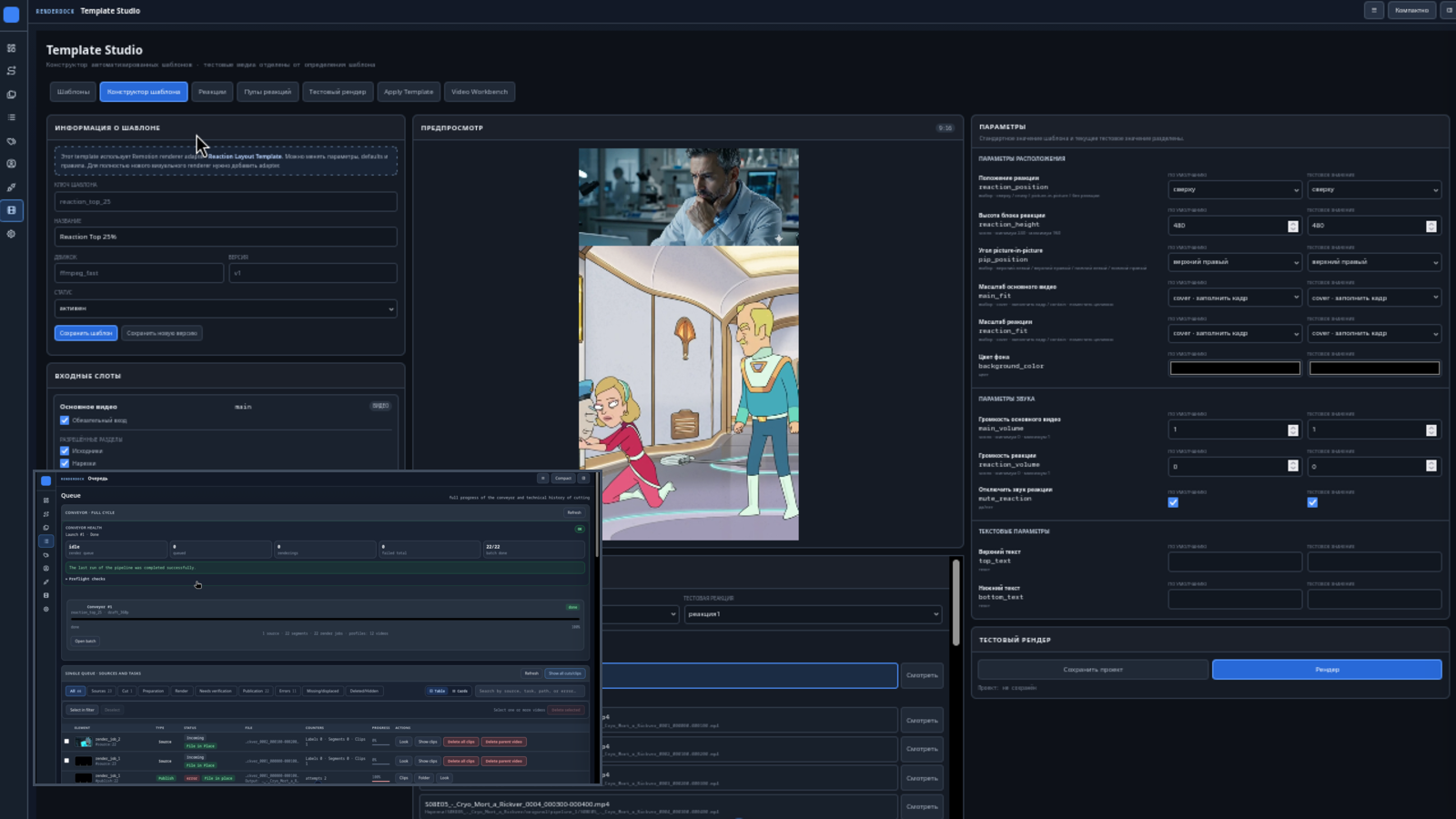
Users review source videos locally, mark segments, and render short video files with local tools.
Local creator workflow
RenderDock helps creators review long videos, mark useful moments, render short clips, and publish selected videos to YouTube channels they authorize through Google OAuth.
What the app does
Users review source videos locally, mark segments, and render short video files with local tools.
Users connect their own YouTube channel through Google's OAuth consent screen before any YouTube API action.
Users choose the clips, title, description, tags, category, made-for-kids setting, and visibility before upload.
Google and YouTube API access
RenderDock requests the minimum scopes currently needed for account identification, YouTube channel metadata, video upload, and user-requested metadata updates.
openid
Associates the signed-in Google account with the authorization flow.
https://www.googleapis.com/auth/userinfo.email
Reads the Google account email so the connected channel can be identified in the local app.
https://www.googleapis.com/auth/userinfo.profile
Reads basic profile information shown by Google during account connection.
https://www.googleapis.com/auth/youtube.readonly
Reads YouTube channel and video metadata for the connected account.
https://www.googleapis.com/auth/youtube.upload
Uploads user-selected clips to the user's own YouTube channel.
https://www.googleapis.com/auth/youtube.force-ssl
Updates user-selected video metadata and privacy settings through YouTube Data API.
Data handling
RenderDock is designed as an installed local application. Google OAuth tokens, channel identifiers, upload job details, and YouTube metadata are stored in the user's local RenderDock workspace. The project does not sell Google user data, use it for advertising, or transfer it to third parties except when communicating with Google and YouTube APIs to perform actions requested by the user.